Installing is not the same as protecting
Many people look up how to install GrapheneOS thinking that, once it is installed, the job is done. It is not. A freshly installed, unconfigured GrapheneOS protects far less than it seems, and the most serious mistakes are invisible: the phone works just as well with an unprotected boot as with everything in order.
Installing means unlocking the phone's boot protection, wiping it completely, loading the system and protecting it again afterwards. Every step carries a risk, and one mistake leaves the phone more exposed than before you started. That is why we do it for you.
The mistakes we see most
- The boot is left unprotected. The phone works, but anyone with physical access can swap the system.
- Versions of GrapheneOS that are not the official one. Modified builds circulate, and you cannot tell them apart at a glance.
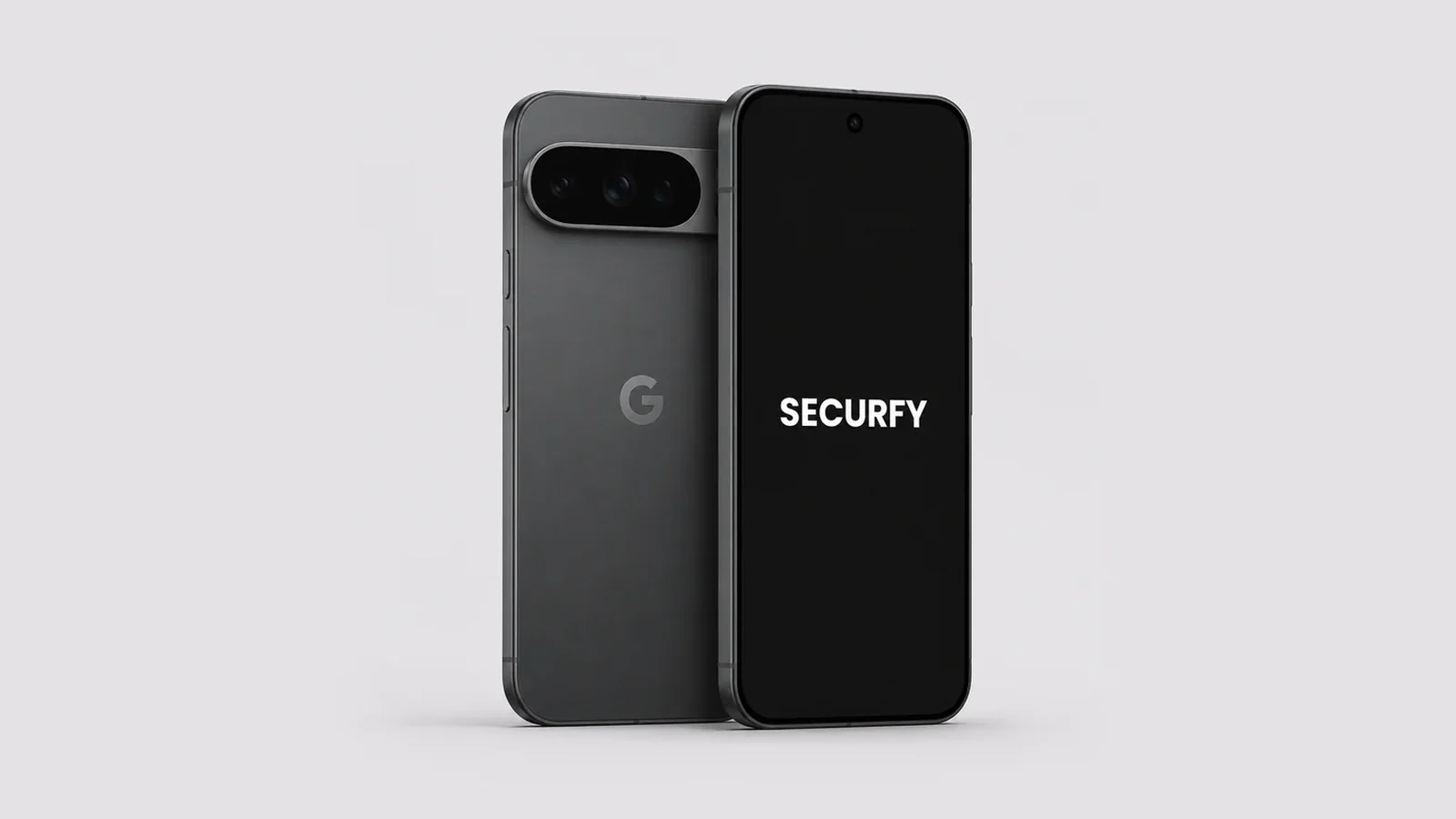
- Pixels that will not work. Some carrier models do not allow the system to be changed, and with a second-hand one you do not know where it has been.
- Installing and configuring nothing. Several of GrapheneOS's best protections are not switched on by default: you need to know which they are and how they fit together.
What the installation does not give you
- USB-C port limited to charging, to close off data extraction by cable.
- Scrambled PIN keypad, so nobody can learn your code by watching you.
- Duress password that wipes the phone if you are forced to unlock it.
- Separate profiles to isolate work, personal life or apps that need Google services.
- Encrypted messaging apps and a VPN installed and configured without leaking data along the way.
- A warranty, training and someone to ask when something does not work or your banking app will not open.
On your own or from Securfy
| On your own | Securfy | |
|---|---|---|
| New, unlocked, checked Pixel | You find it | Included |
| Official release, boot protected and verified | Up to you | Checked on every unit |
| Charging-only USB-C, scrambled PIN and duress password | If you know how | Configured |
| Profiles, encrypted apps and Proton VPN Pro for 2 years | Up to you | Included |
| Training | No | Included |
| Warranty | The manufacturer's | 2-year Securfy warranty |
| Support when something fails | Forums | Direct, over Signal or WhatsApp |
We get it ready for you
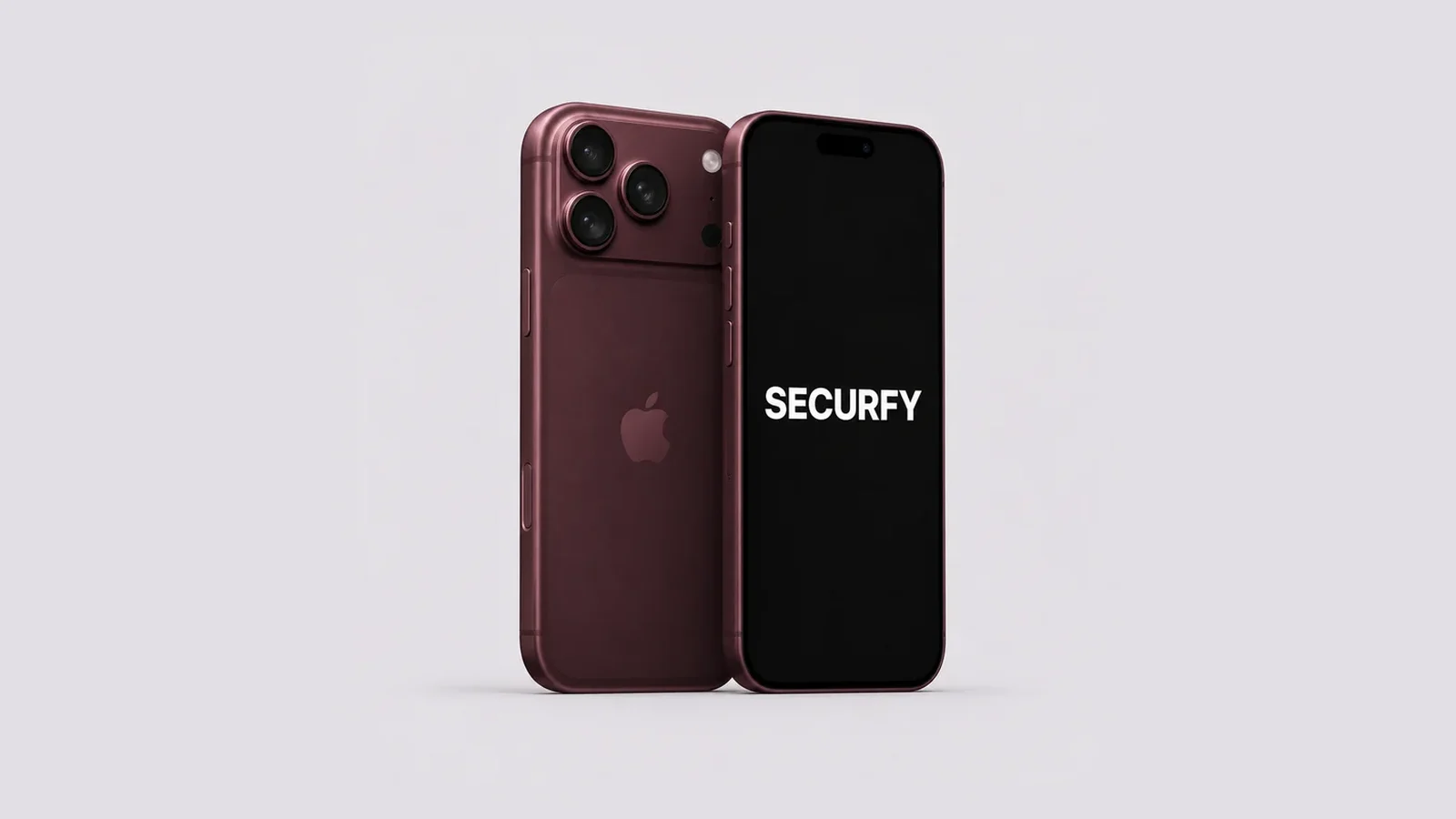
Your phone arrives with GrapheneOS installed, verified and configured for your case, tested unit by unit, with training and with us behind it if you need help. All you have to do is switch it on.
Choose your model with our guide to which Pixel 10 to choose, see our GrapheneOS phones for sale, or message us on Signal or WhatsApp and we will advise you before you buy. If you already have a Pixel, ask us too.